Flow AI
Flow AI is avialable to you in the AI assistant window in all flow menus. As the name suggests, Flow AI is specialised on answering questions about PlentyONE Flow. Flow AI knows all flow actions, filters, settings, trigger, flow templates as well as migration of flow templates.
Because Flow AI is focused on PlentyONE Flow it can give you step by step instructions for flow creation. The more information you give Flow AI about your flow, the better the recommendations get.
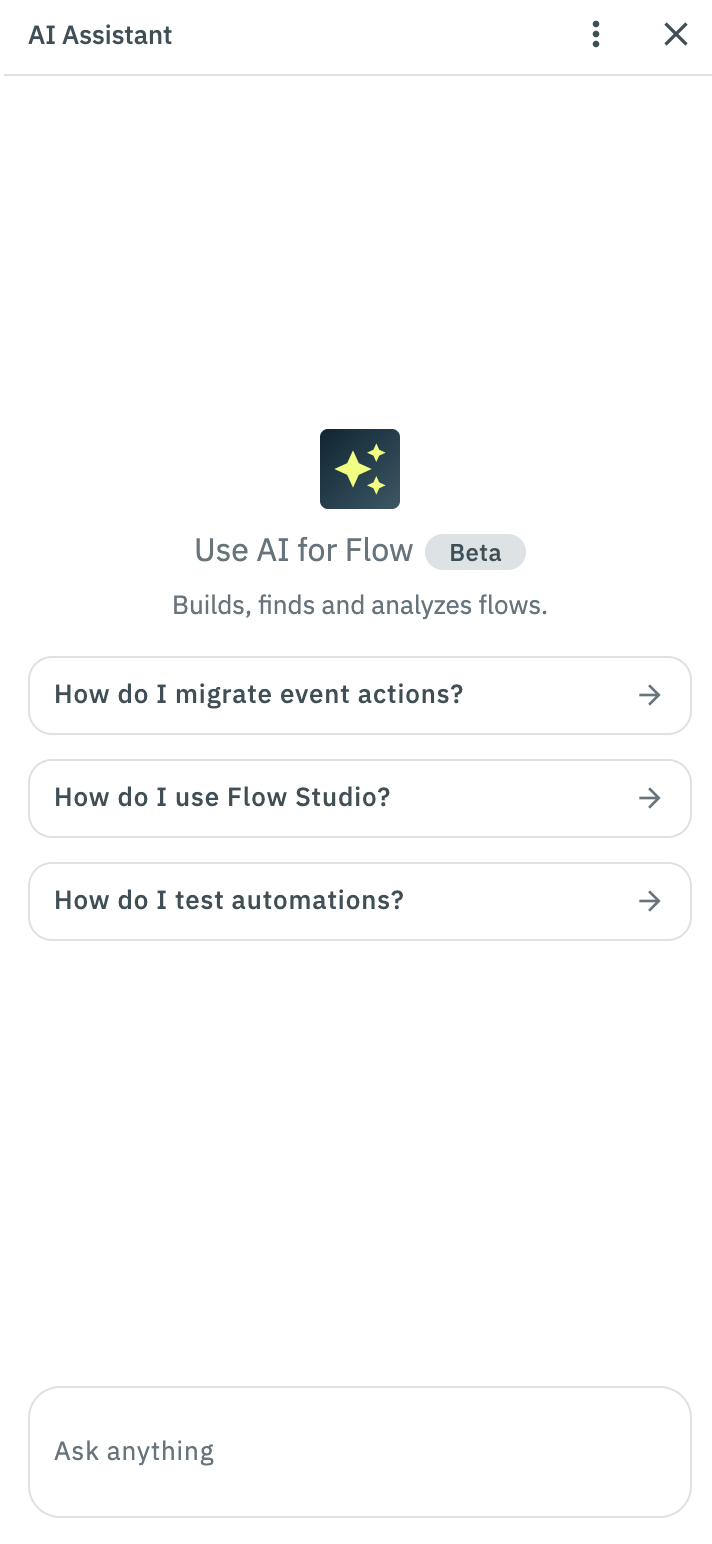
1. Creating and editing flows with Flow AI
Create and edit flows with Flow AI. You give Flow AI information on creating and editing flows and Flow AI gives you recommendations. Before the flow is created or edited you have to give your permission. Flow AI cannot create or edit flows (or undertake other actions) without your permission.
1.1. Creating a flow via Flow AI
Give the AI all relevant information so that Flow AI can create the flow as you desired. This includes information about the flow functions, the kind of trigger, name and interval. During this process Flow AI will ask you questions to realise your ideas. In the end, Flow AI will give you a summary of the flow. Then, the flow is prepared and ready to be created. The flow creation is still on you. In the chat you can create the flow and open it with one click each.
1.2. Editing a flow via Flow AI
You can open a flow and then edit it via Flow AI. The process is similar to the flow creation. Flow AI notices, if you open the flow detail view. You don’t have to open the flow to edit it, you can also edit flows from the overview. After describing your changes, you apply them via the AI assistant window.